The Home Base Systems Designer

Protocol

The Home Base Systems Designer

Stop managing chaos. Start running systems.

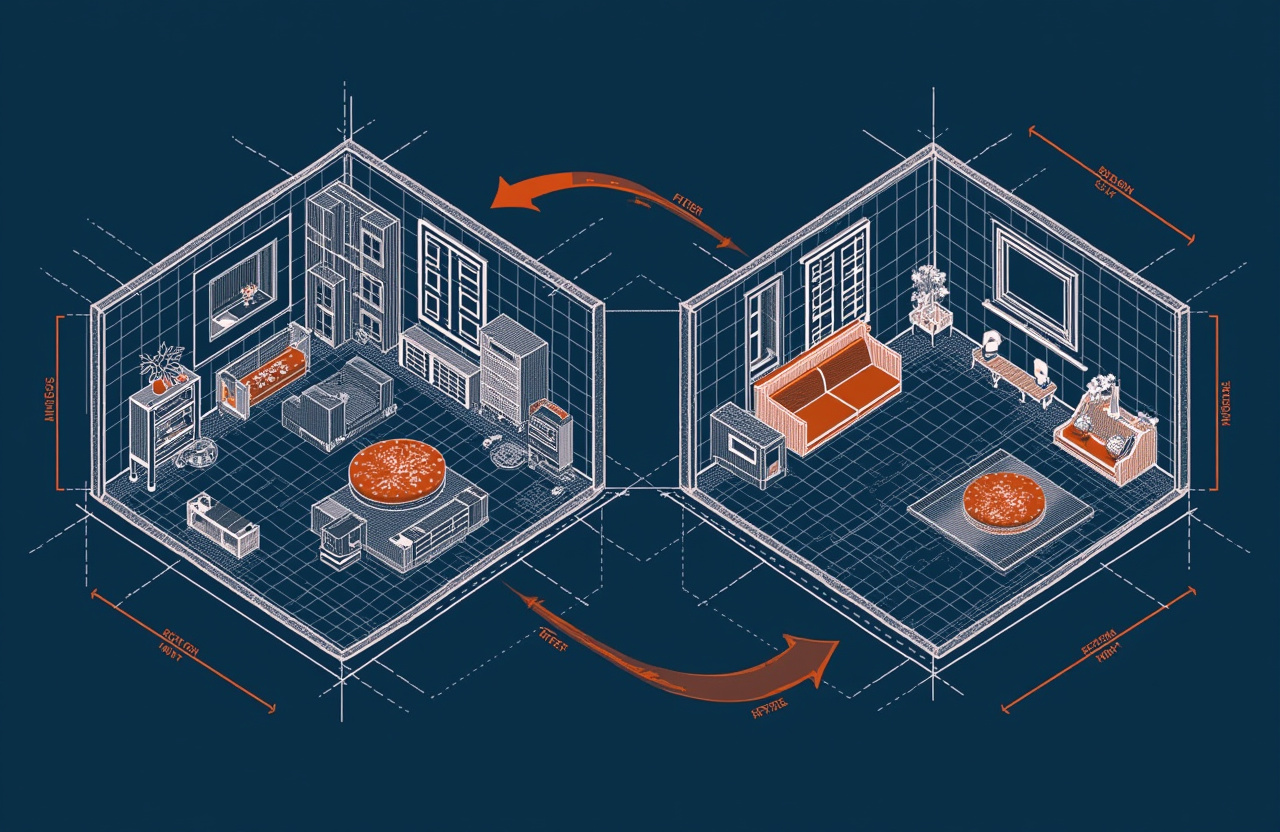
Old Way
  • Surfaces become storage
  • Important papers vanish
  • Restocking only when it's an emergency
  • Half-finished organizing projects everywhere
  • Constant low-grade 'where is it?' stress
New Way
  • Every item has a home position
  • One inbox tray captures everything
  • Last-unit triggers automatic restock
  • 7-minute resets keep order effortless
  • Systems run so you don't have to think

Does this sound familiar?

  • You buy bins and download apps but never finish organizing
  • You spend 5 minutes every morning looking for your keys
  • You run out of essentials and only notice when it's too late
  • Your weeknights feel heavier than they should
  • Shared spaces create silent friction with housemates
"

The goal isn't a perfect home. It's a home that runs itself.

The Systems Architect

Mechanism

The Six Core Systems

Click a system to explore its habits

Home Positions

Home Positions

Every frequent item has a single default landing spot.

Capture Surfaces

Capture Surfaces

One tray for incoming, one bin for outgoing. Nothing else.

Reset Rituals

Reset Rituals

Tiny daily + medium weekly resets with timers.

Inventory Minima

Inventory Minima

Set floor quantities for essentials + a fast restock loop.

Friction Engineering

Friction Engineering

Make the right action the easiest action.

Batch Windows

Batch Windows

One scheduled slot for errands, admin, and maintenance.

Progression

Habit Tiers

Tier 1

Foundation

30-second to 2-minute habits that build automatic placement and capture.

Tier 2

Growth

5-15 minute practices that establish weekly rhythms and audits.

Tier 3

Mastery

20-45 minute deep sessions for full system reviews and optimization.

Tier 4Peak

Titan

Intensive resets and redesigns for post-chaos recovery.

Getting Started

Step01

Start with Home Positions

Pick 3 items you lose most often. Assign each a permanent spot.

Step02

Set Up Capture Surfaces

Place one inbox tray and one outbox bin. Route all incoming/outgoing through them.

Step03

Install Your First Reset

Try the 7-minute nightly reset. Timer on, music on, stop when it ends.

Step04

Build the Restock Loop

List 10 essentials. Add to the list the moment you open the last unit.

Step05

Engineer One Friction Point

Find one daily annoyance and redesign it so the right action is easiest.

Step06

Batch Your Admin

Block one hour per week for bills, forms, and paperwork. Protect it.

Cards in Deck

36

Core Systems

6

Foundation Habits

12

Minutes for Nightly Reset

7

Frequently Asked Questions

The Systems Architect

The Systems Architect

Home Operations Specialist

Designs calm, repeatable systems for busy adults who want their home to run itself—without perfectionism or Pinterest pressure.

Protocol Playbooks

Curated sequences of habits designed to be practiced together. Click a playbook to see its cards in the deck below.

The Quick Start
5 cards

The Quick Start

5 Foundation habits to install in your first week. Under 10 minutes total daily.

Keys Landing Spot
Inbox Tray Setup
2-Minute Entry Reset

+2 more habits

The Weekly Rhythm
4 cards

The Weekly Rhythm

Growth habits that establish your weekly home operations cadence.

7-Minute Nightly Reset
Sunday Inventory Glance
Maintenance Slot

+1 more habits

The Chaos Recovery
5 cards

The Chaos Recovery

When everything falls apart—travel, illness, life—use this sequence to restore order.

2-Minute Entry Reset
Kitchen Sink Zero
Post-Chaos Deep Reset

+2 more habits

Quests

Challenges to accelerate your transformation. Click a quest to see its target cards.

Initiation

The Launchpad Protocol

Establish your landing spots and daily reset rituals to stabilize your home’s core entry and kitchen zones.

"Every great system begins with a stable perimeter. Secure your entry points and master the daily reset."

5 FOUNDATION tier habits in 7 days
5 cards
View Quest Cards
System Mastery

The Frictionless Grid

Systematically eliminate daily annoyances by redesigning defaults and removing physical obstacles from your environment.

"A well-designed home should work for you, not against you. It is time to engineer out the resistance."

6 Friction Engineering system habits
6 cards
View Quest Cards
Titan Trial

The Architect’s Audit

Execute a comprehensive annual review of your entire operating system to adjust, simplify, or redesign for the future.

"Precision requires periodic recalibration. Step back, evaluate the entire grid, and optimize for long-term flow."

1 TITAN tier habits
1 cards
View Quest Cards

The Full Deck

33 habits across 6 core systems

Systems:
Playbooks:
Keys Landing Spotfoundation

Keys Landing Spot

Place one hook or tray within arm's reach of your entry door.
30 secminimal
Home Positions
Wallet & Phone Dockfoundation

Wallet & Phone Dock

Designate a tray or charging station as the single launch pad for essentials.
30 secminimal
Home Positions
Tool Home Auditgrowth

Tool Home Audit

List ten frequently-searched items and assign each a labeled default position.
10 minmoderate
Home Positions
Shared Item Agreementsgrowth

Shared Item Agreements

Discuss three high-friction shared items with housemates and agree on home positions.
15 minmoderate
Home Positions
Full Home Position Mapmastery

Full Home Position Map

Walk each room, photograph or sketch positions, and share the reference document.
30 minhigh
Home Positions
Inbox Tray Setupfoundation

Inbox Tray Setup

Place a single tray near your entry for mail, receipts, and notes.
2 minminimal
Capture Surfaces
Outbox Binfoundation

Outbox Bin

Position a bin by the door for returns, donations, and errand items.
1 minminimal
Capture Surfaces
One Surface Rulegrowth

One Surface Rule

Clear one horizontal surface to zero items daily; rotate surfaces to prevent pile-up.
5 minmoderate
Capture Surfaces
Paper Triage Protocolgrowth

Paper Triage Protocol

Sort incoming paper into action, file, or recycle; process action items within 48 hours.
10 minmoderate
Capture Surfaces
Zero-Surface Eveningmastery

Zero-Surface Evening

Set a timer once weekly and clear all horizontal surfaces before bed.
20 minhigh
Capture Surfaces
2-Minute Entry Resetfoundation

2-Minute Entry Reset

Return keys, wallet, shoes, and coat to their spots before sitting down.
2 minminimal
Reset Rituals
Kitchen Sink Zerofoundation

Kitchen Sink Zero

Rinse and load dishes immediately after meals; run dishwasher when half-full.
3 minminimal
Reset Rituals
7-Minute Nightly Resetgrowth

7-Minute Nightly Reset

Set a timer and tidy high-visibility areas; stop when the timer ends.
7 minmoderate
Reset Rituals
Bedroom Launch Prepgrowth

Bedroom Launch Prep

Lay out clothes, bag, and essentials the night before; include weather check.
5 minmoderate
Reset Rituals
Weekly Home Ops Reviewmastery

Weekly Home Ops Review

Run a checklist covering trash, laundry, fridge, and calendar; capture action items.
20 minhigh
Reset Rituals
Post-Chaos Deep Resettitan

Post-Chaos Deep Reset

Block 45 minutes after travel or disruption; start with the highest-impact room.
45 minhigh
Reset Rituals
Last-Unit Triggerfoundation

Last-Unit Trigger

Add an item to the restock list the moment you open the last unit.
30 secminimal
Inventory Minima
10 Essentials Listfoundation

10 Essentials List

Define ten non-negotiable items that must never run out; review quarterly.
5 minminimal
Inventory Minima
Sunday Inventory Glancegrowth

Sunday Inventory Glance

Walk through kitchen, bathroom, and laundry; add low items to shopping list.
5 minmoderate
Inventory Minima
Restock Loop Setupgrowth

Restock Loop Setup

Choose one method (subscribe, store run, delivery) and automate recurring items.
15 minmoderate
Inventory Minima
Household Inventory Auditmastery

Household Inventory Audit

List every consumable room by room; note restock cadence and set reminders.
30 minhigh
Inventory Minima
Visible Trash Binfoundation

Visible Trash Bin

Place open-top bins where trash is generated: desk, kitchen, bathroom.
1 minminimal
Friction Engineering
Charging Stationfoundation

Charging Station

Designate one spot with permanently plugged cables for all devices.
2 minminimal
Friction Engineering
Obstacle Removal Scangrowth

Obstacle Removal Scan

Walk through your morning routine and note every friction point; fix one weekly.
10 minmoderate
Friction Engineering
Default Action Designgrowth

Default Action Design

Redesign one default per week so the easiest action is the right action.
15 minmoderate
Friction Engineering
Household Friction Auditmastery

Household Friction Audit

Interview household members about daily annoyances; prioritize by frequency times frustration.
30 minhigh
Friction Engineering
Full Room Redesigntitan

Full Room Redesign

Empty the highest-friction room mentally; move furniture, add storage, remove obstacles.
60 minhigh
Friction Engineering
Errand Day Designationfoundation

Errand Day Designation

Pick one day per week for all errands; batch geographically to minimize trips.
1 minminimal
Batch Windows
Admin Hour Blockfoundation

Admin Hour Block

Block one hour weekly for bills, forms, and paperwork; protect it like a meeting.
5 minminimal
Batch Windows
Maintenance Slotgrowth

Maintenance Slot

Keep a running list of small fixes; tackle one 15-minute task per week.
15 minmoderate
Batch Windows
Meal Prep Windowgrowth

Meal Prep Window

Prep proteins, chop vegetables, and cook grains in one Sunday session.
60 minmoderate
Batch Windows
Quarterly Deep Cleanmastery

Quarterly Deep Clean

Schedule three hours once per quarter for fridge cleanout, closet purge, appliance maintenance.
3 hrshigh
Batch Windows
Annual Systems Reviewtitan

Annual Systems Review

Review what's working and what's not; adjust, simplify, or retire failing systems.
2 hrshigh
Batch Windows

My Stash

0 items saved

📭

No items unfiled

Click the bookmark icon on any item to save it here